
USFans Payment Guide: Know Which Part of the Order You Are Paying For
A product payment and an international parcel payment cover different parts of shopping through an agent. Before confirming a USFans payment, identify its purpose, the order or parcel it belongs to, and the amount and currency on the final screen. That makes a later shipping bill easier to understand and a payment query easier to resolve.
On this page
Separate the product bill from the parcel bill
USFans's shopping-agent instructions checked on 30 September 2026 describe two payments: goods plus domestic transport in China first, then international shipping when submitting the warehouse parcel. Keep room for that second bill; paying the product price does not finish the delivered-cost calculation.
For a shortlist containing a T-shirt and a heavier jacket, retain the item costs separately from the parcel estimate. Even when both products are intended for one parcel, their combined checkout price does not tell you the final packed size or the applicable international service. Use the shipping calculator guide before committing your full shopping budget, then review the parcel quote when its contents and measurements are known.
The ordering guide connects these stages. It also helps distinguish paying for an item from authorising the shipment of warehouse goods.
Does USFans accept PayPal or Klarna?
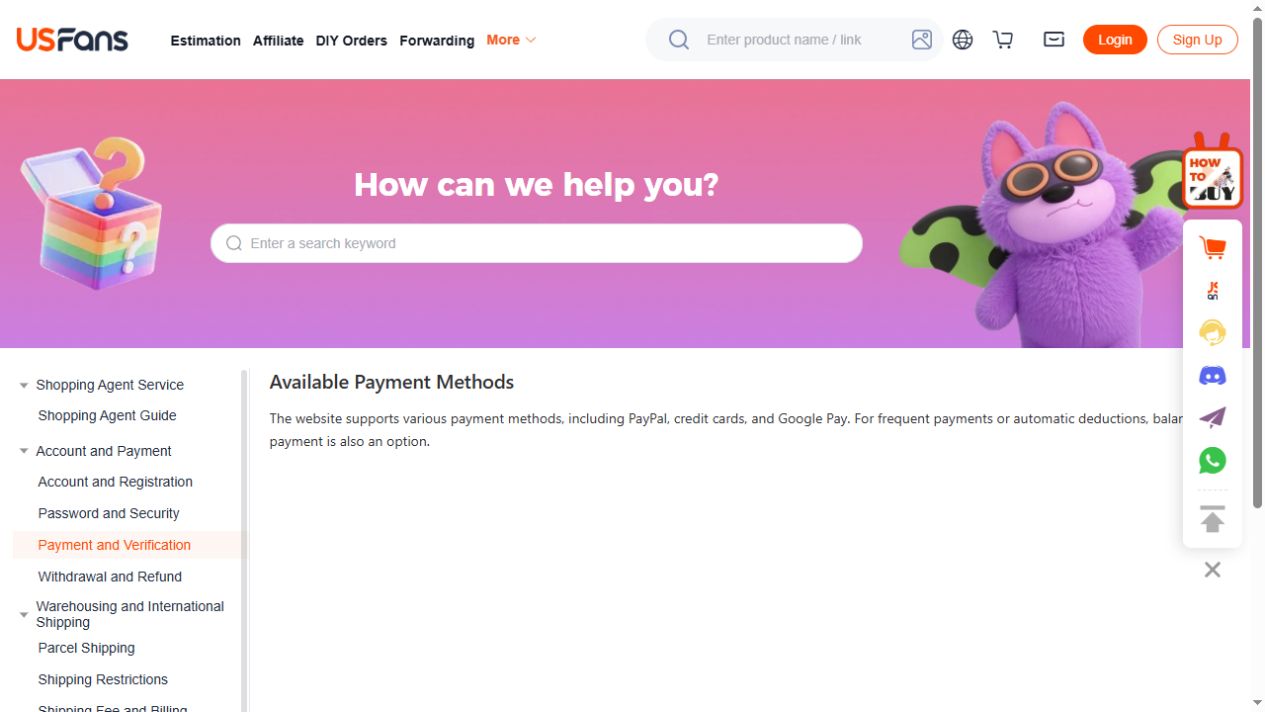
The USFans payment-help page checked on 30 September 2026 lists PayPal, credit cards, Google Pay and account balance. Treat this as the platform's published list, then check the choices offered for your own account, currency and transaction before committing to a method.
For PayPal, inspect the methods actually offered for the payment you are making. Check the destination and the final amount before approving anything. If PayPal is absent, do not follow a stranger's payment link to try to activate it.
Klarna was not named in that list. This does not establish that it is unavailable in every checkout, but it gives you no basis to budget around instalments. Only use a method actually offered for your transaction; ask support before ordering if that method is essential to your budget.
Read the total in its stated currency
Compare like with like. An approximate converted price on a product page and the currency used at payment are different pieces of information. Review the final amount, any displayed charges and the currency before authorising the transaction. Keep that confirmation with the order reference rather than recording only the product's headline price.
If two screens differ, identify what changed: the selected option, quantity, shipping component, currency or another displayed charge. Resolve the unexplained difference before proceeding. This is more useful than assuming the larger number is automatically an error or the smaller number is the complete cost.
Confirm the order after payment
After returning from payment, inspect the USFans order or parcel record. Keep the payment reference, time, amount and currency privately so the payment can be matched to that record.
If the payment screen reports success but the order still looks unpaid, do not immediately create another payment. Check that you are viewing the same account and reference, then ask support to reconcile the two records. A browser redirect alone does not explain the final status.
Likewise, an error on the shopping page does not establish whether the payment provider processed anything. Use the payment-failed guide for this mismatch rather than changing several details and retrying repeatedly.
Prepare a useful payment question
Explain the specific mismatch: which product order or parcel you intended to pay, what the checkout showed, what the payment record now shows, and whether the account record changed. Include the time and currency. These details distinguish an item-payment issue from an international-shipping payment issue.
Remove full card numbers, passwords and verification codes from screenshots. Keep private payment references out of public posts. The support guide explains how to organise a request without mixing unrelated product, login and parcel questions.
Compare the item before paying for it
When a clothing choice is still open, settle the item and option first. For example, view the T-shirt details on OG to compare the listing with your shortlist. It is a product page, not a USFans payment portal, and its displayed price should not be treated as the final cost of a separate agent order.
Return to the USFans spreadsheet collection to continue comparing items, keeping each product destination attached to its selected option and budget.